
Focused
A clean writing space that keeps your attention on the words.
Write · Shape · Continue
A focused writing space that adapts to the way you write.
Get Writez on Google Play
Why Writez
Writez keeps writing simple without limiting how you work. Start with a chapter, choose the tools you need, and keep every part of your draft organized in one calm writing space.
A clean writing space that keeps your attention on the words.
Choose the tools and formatting style that fit the way you write.
Keep your latest work safe and return to an earlier version when needed.
Made for your flow
From the first line to the next draft, Writez keeps your tools close and your work easy to continue.
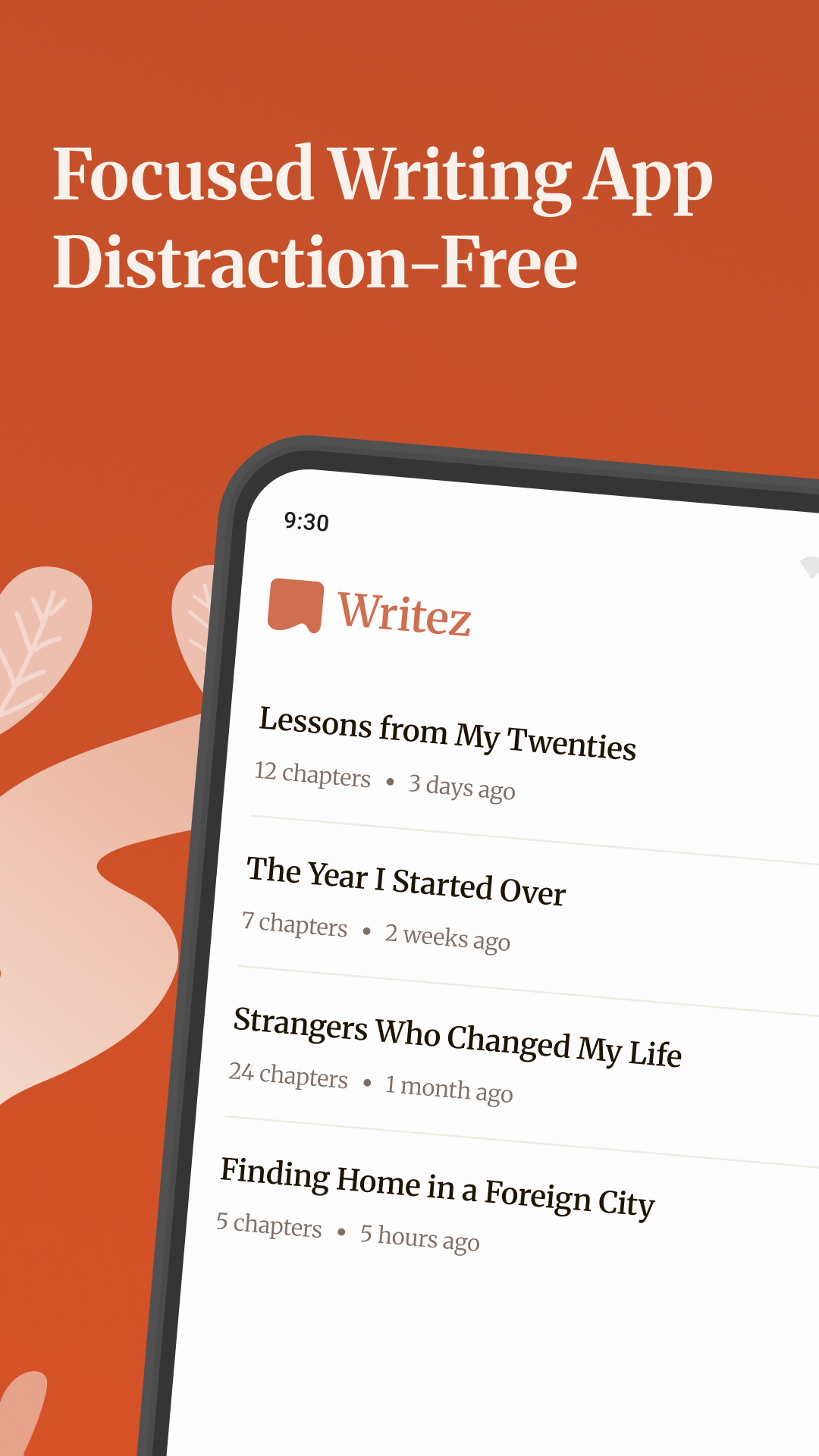
Keep longer drafts clear and easy to navigate, so you can always find where you left off.
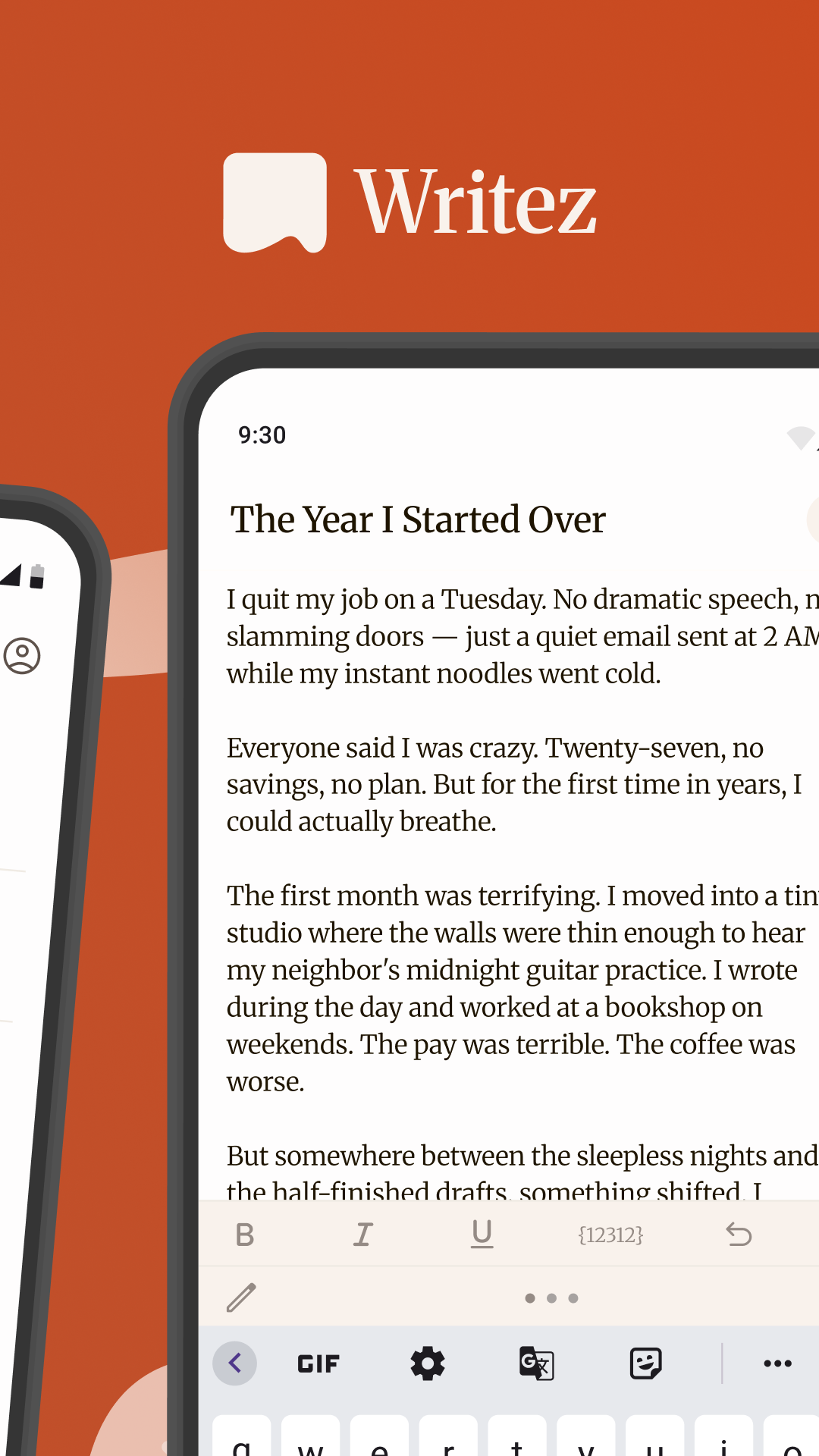
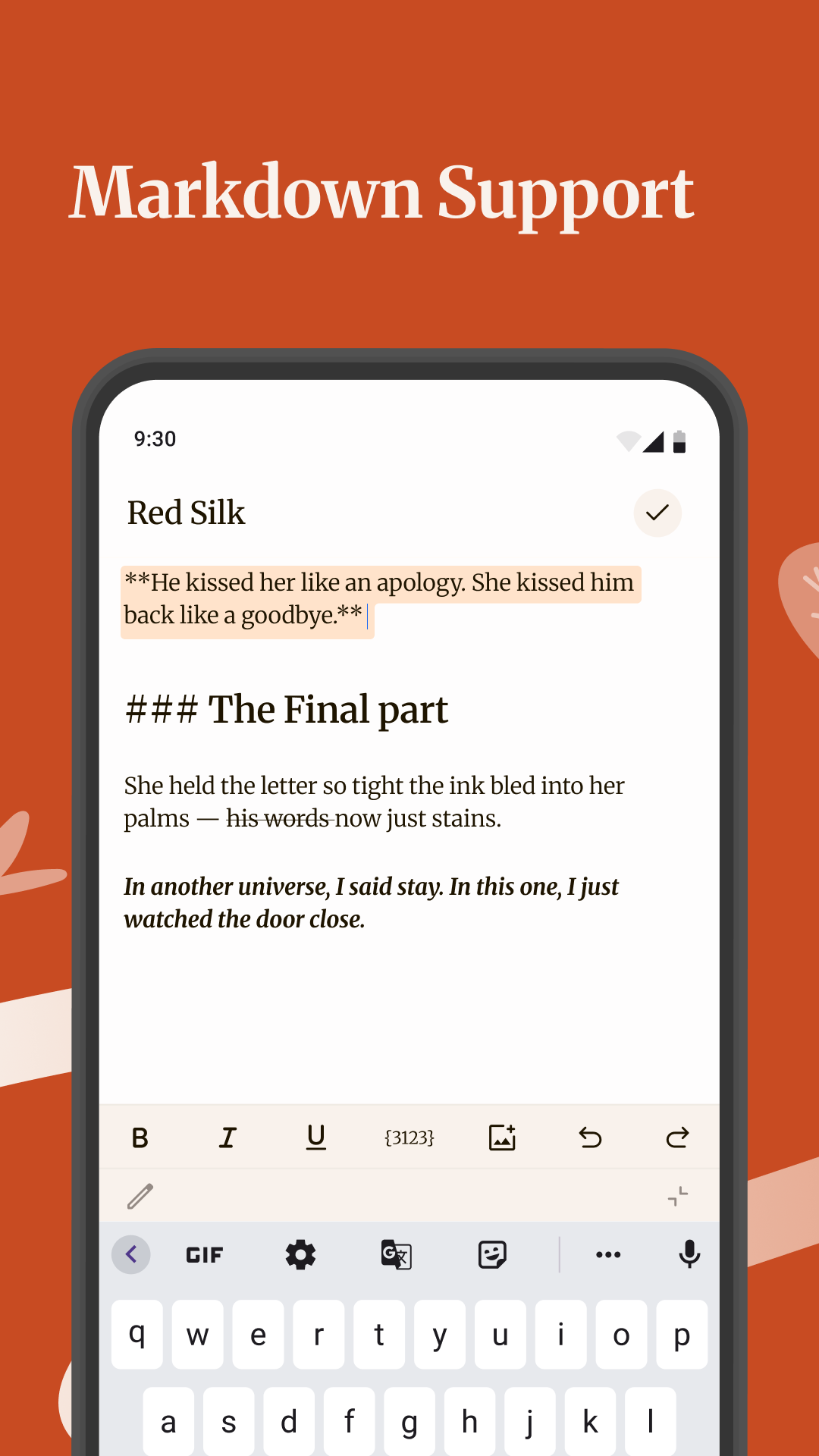
Choose a Markdown toolbar or familiar text-formatting tools based on how you prefer to write.
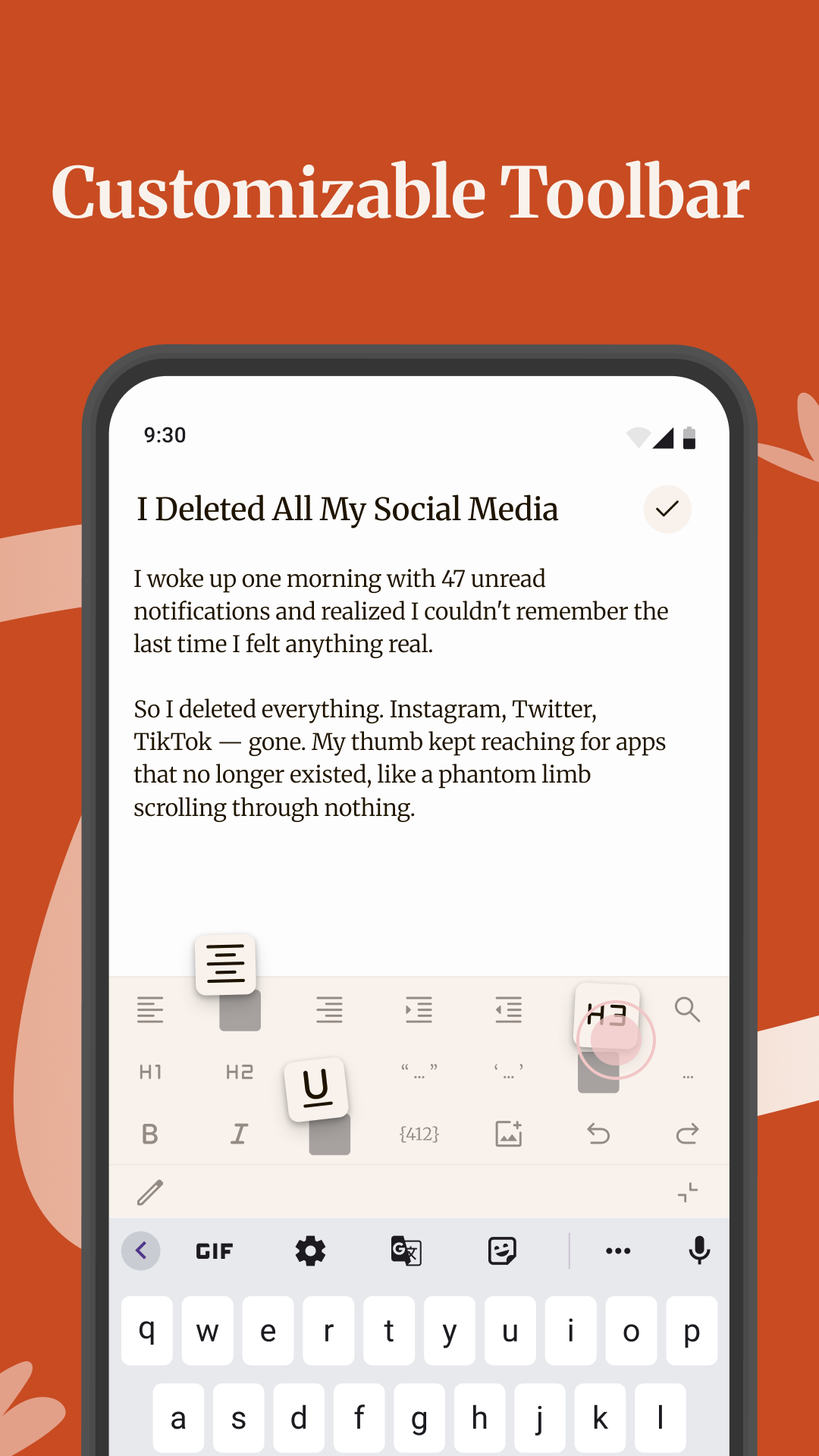
Rearrange shortcuts so the actions you use most are always within reach.
Review previous changes and restore the version you need.
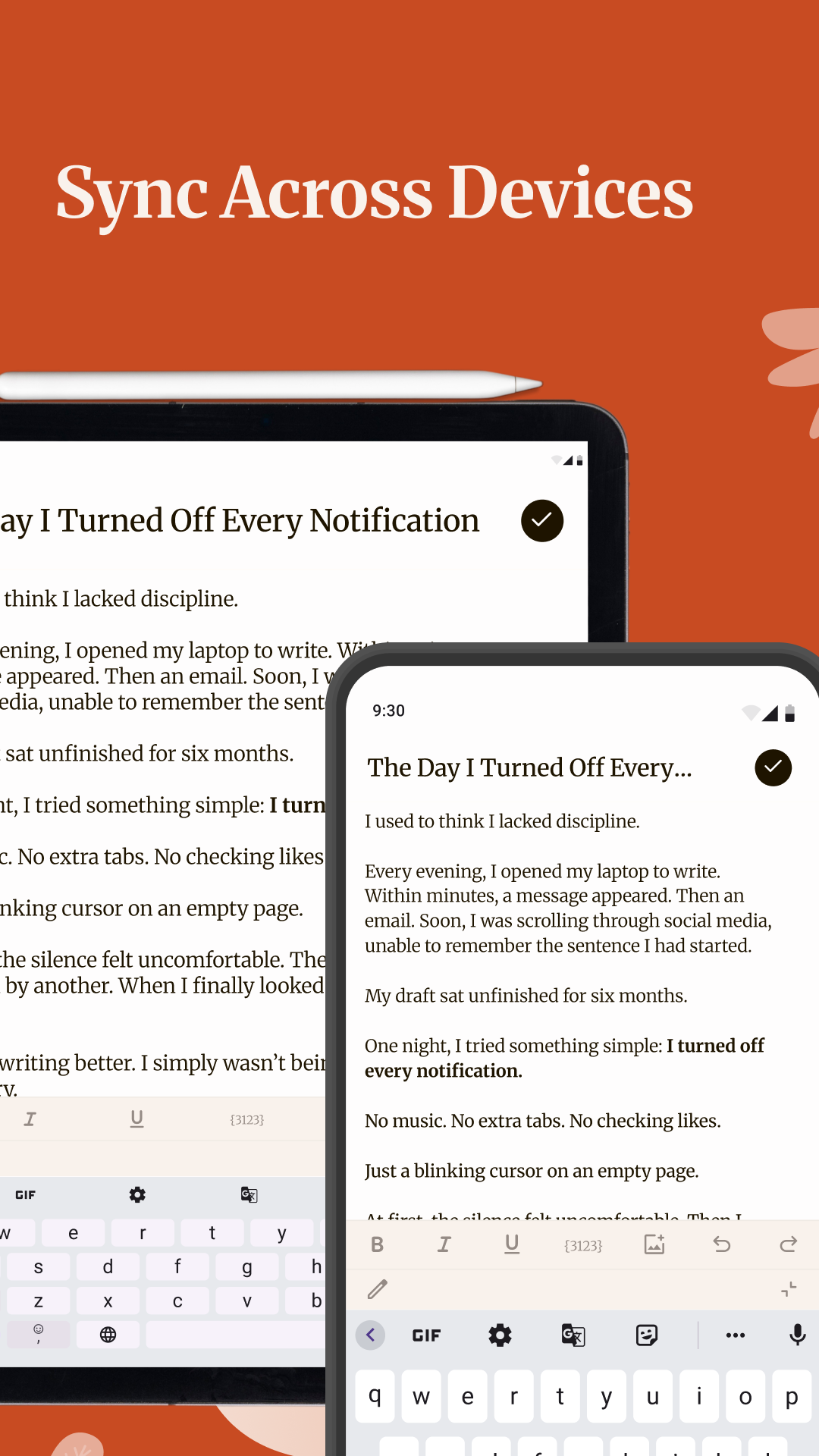
Keep your writing connected to your own Google Drive account.
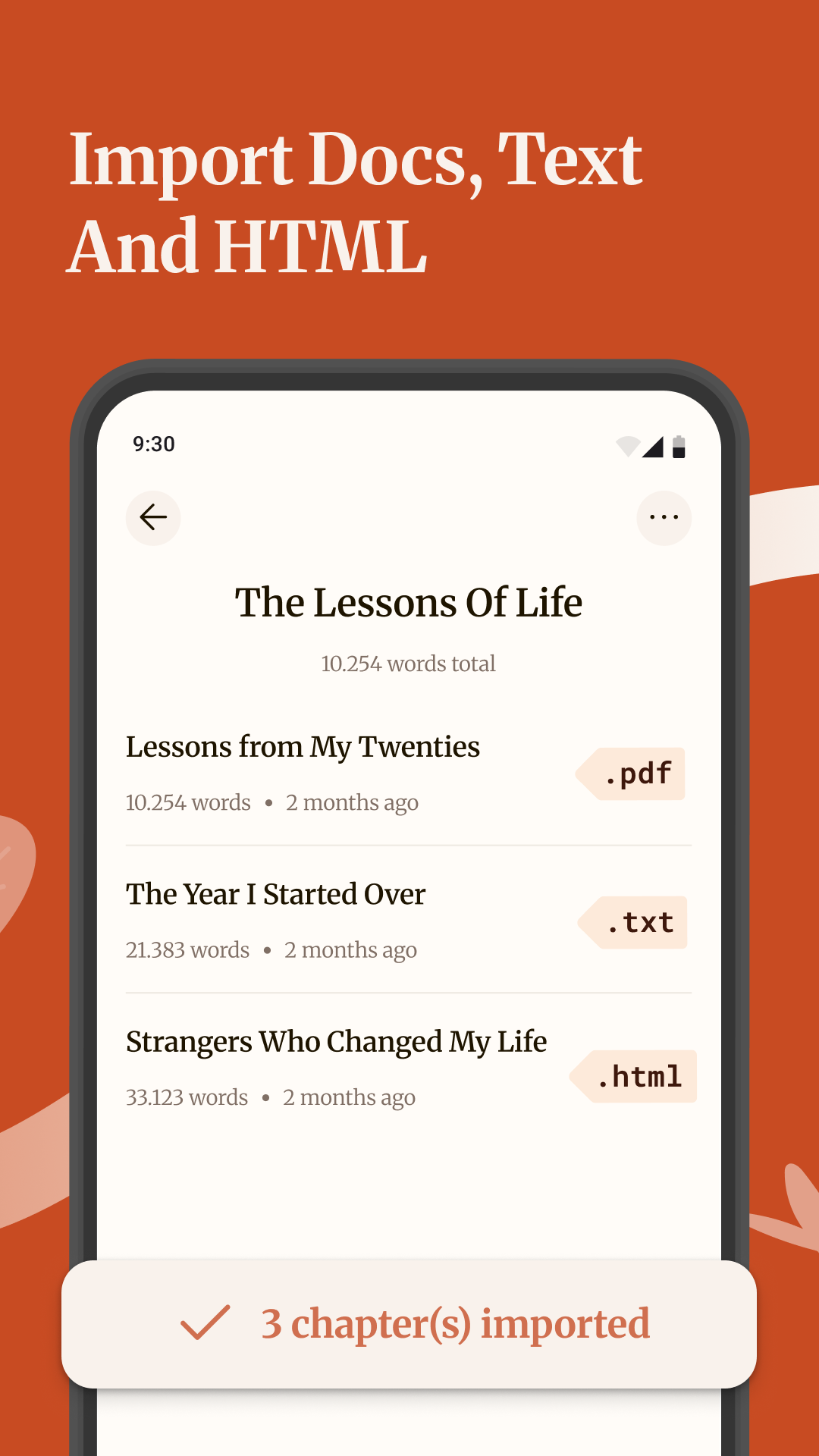
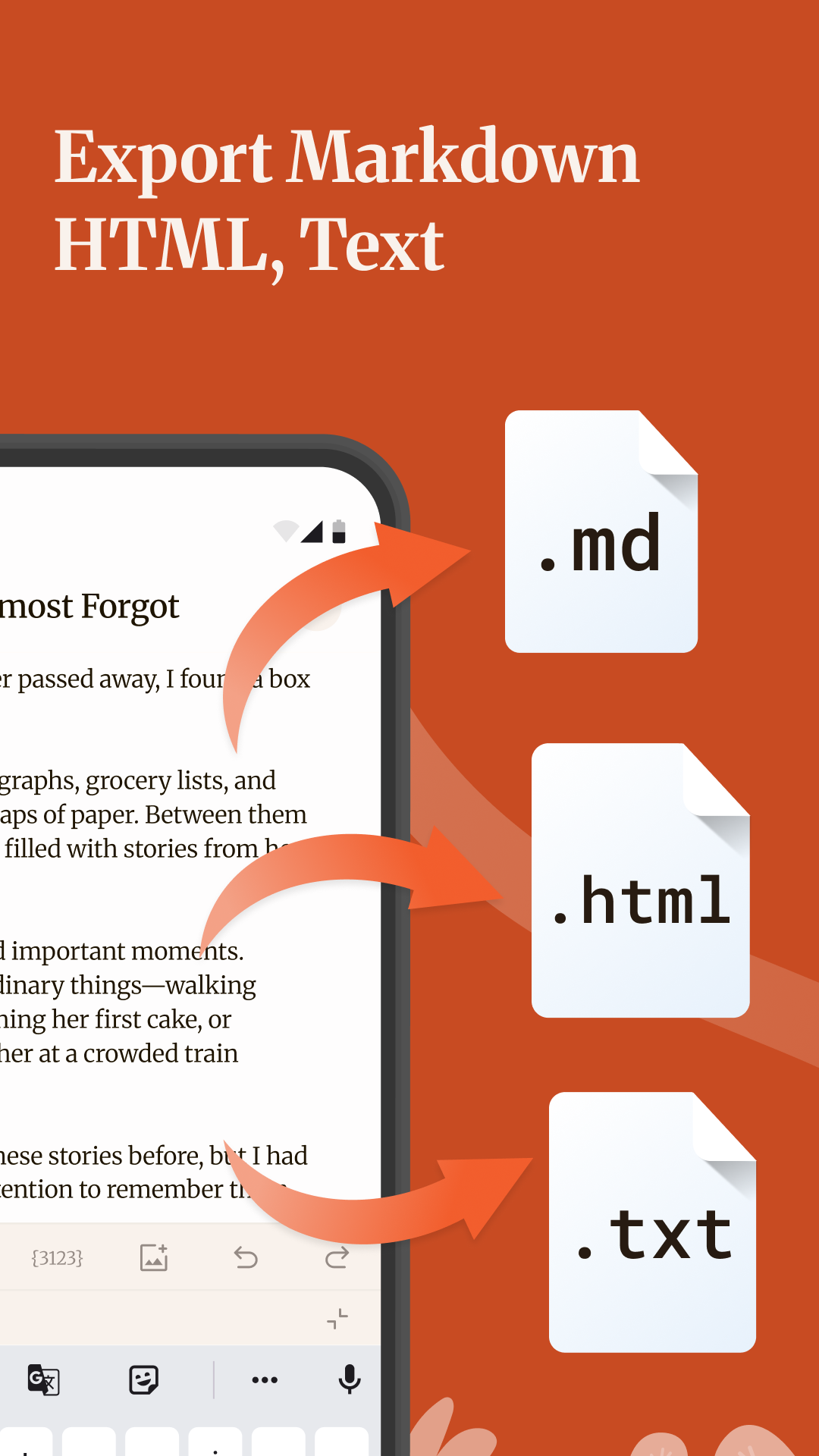
Export as PDF, Markdown, HTML or Docs to continue editing or prepare your draft for publishing.
Inside Writez
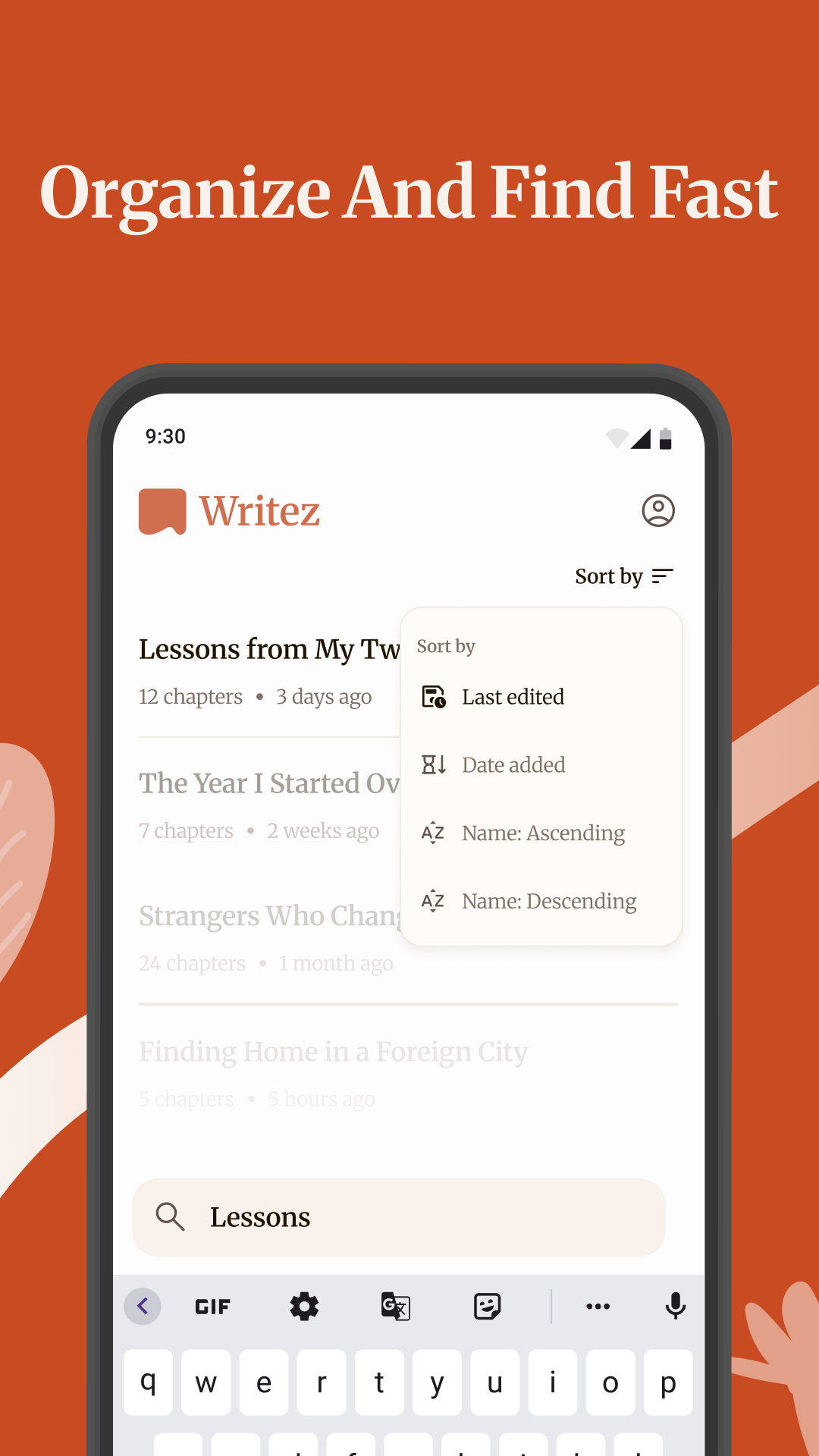
01Keep every draft organized
02Find your place and keep writing
03Write with the tools you prefer
04Customize your writing toolbar
05Return to an earlier version
06Export your work your way
07All your writing in one place
08Sync across devices
Frequently asked questions
Everything you need to know before you start writing with Writez.
Writez gives you a flexible space for ideas, drafts and longer pieces that benefit from a clear chapter-based structure.
Yes. Choose a Markdown toolbar or a familiar text-formatting toolbar. You can also rearrange shortcuts around the way you write.
Writez supports export to PDF, Markdown, HTML and Docs formats.
Yes. Version History lets you review earlier changes and restore the version you need.
No. Version History is stored locally on the current device and is separate from Google Drive sync and backup.
Get in touch
Need help with Writez or want to share feedback? We’d love to hear from you.
Ha Noi City, Vietnam